Wema Bank Transfer to the CoinCola Naira Wallet
Transfer NGN from your Wema Bank app or ALAT into your CoinCola Naira Wallet — then buy Bitcoin instantly, no waiting.
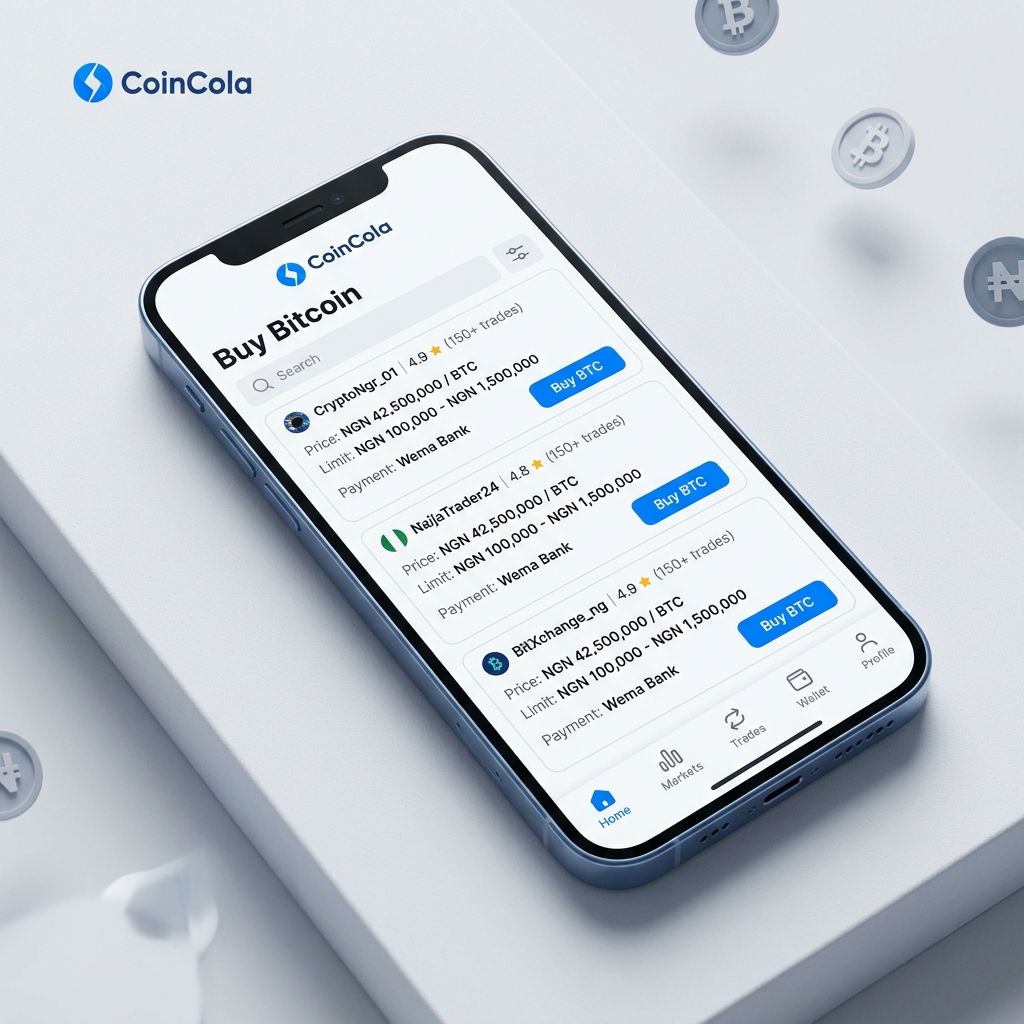
Wema Bank speed meets instant crypto settlement.
Instant Order Release
Pay from your Naira Wallet and Bitcoin is released automatically in seconds — no manual confirmation needed.
Seamless Wema Funding
Send NGN from your Wema app or ALAT to your unique CoinCola account number — simple as a regular bank transfer.
Dual Payment Options
Prefer direct P2P? CoinCola supports Wema bank transfers straight to sellers too — your choice, always.
How to Fund & Buy Instantly
Deposit via Wema Bank App
Open CoinCola, tap 'Deposit', then transfer NGN from your Wema app or ALAT into your CoinCola Naira Wallet.
Select 'Naira Balance'
Go to the P2P Market and filter by 'Naira Balance' to see instant-release offers.
Receive Bitcoin Instantly
Place your order — the system debits your wallet and releases Bitcoin in seconds. Done.
Wema Bank Transfer FAQs
Ready to Experience Instant P2P?
Fund your CoinCola Wallet with Wema Bank and buy crypto in seconds.
Manage Your Naira Wallet On the Go
Deposit & Withdraw Naira Anytime — Download the CoinCola App
Use the CoinCola mobile app to manage your NGN wallet balance, deposit Naira, and withdraw instantly to any Nigerian bank account — all in one place.
Explore More Services
P2P Nigeria Hub
Overview of CoinCola Nigeria P2P trading
NGN Wallet Guide
Manage deposits, withdrawals & P2P trading
Deposit Naira Tutorial
Step-by-step guide to funding your account
Withdraw Naira Tutorial
Cash out profits to your bank account
Trading Fees
Check transparent P2P trading fees
Security & Trust
Escrow protection & KYC safeguards